TypoPrompting: 186 Lookalike Domains for Claude, ChatGPT, DeepSeek and 24 Other AI Brands Push ClickFix Malware, Signed Store Apps and Search Hijackers
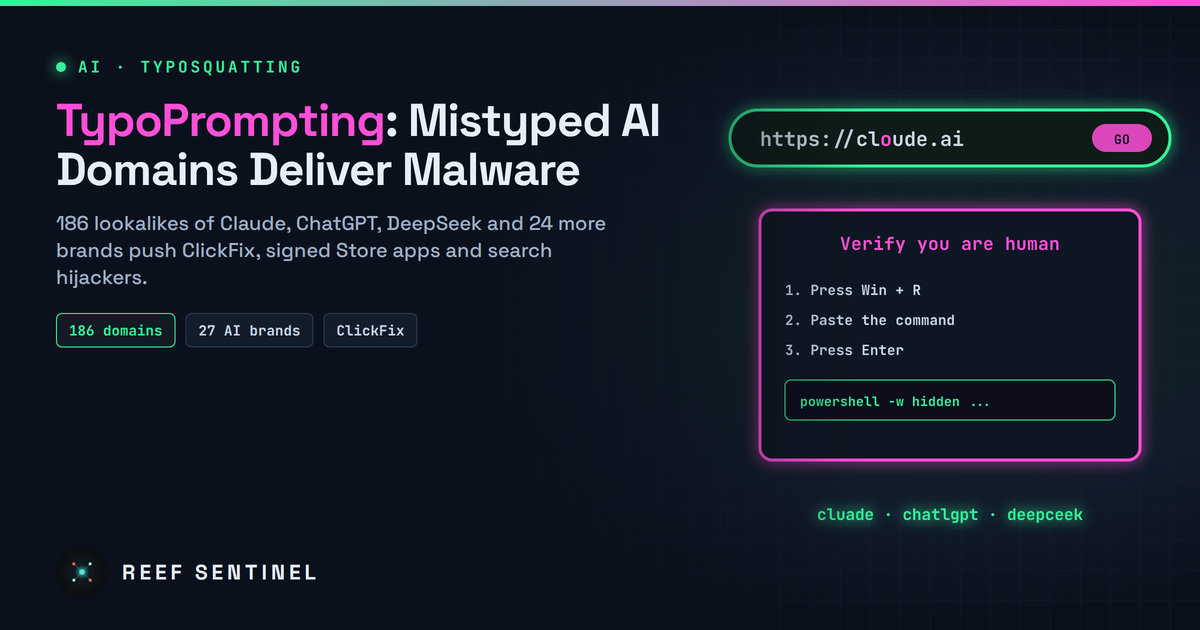
Researchers found 186 typo domains for 27 AI brands that send people who mistype an address to ClickFix PowerShell lures, a signed Microsoft Store app that hijacks the browser, or search-redirecting Chrome extensions.
Mistyping the address of an AI chatbot can now get your computer infected. Security researchers have mapped a campaign they call TypoPrompting: 186 lookalike domains across 27 AI brands. The domains catch people who mistype the name of Claude, ChatGPT, DeepSeek, Perplexity, Cursor and other tools. Some visitors are then talked into pasting a malicious command, some get a signed Microsoft Store app that hijacks their browser, and some get a search-hijacking extension.
What Happened
The research was published on 12 November. ChatGPT has the most lookalikes (25), ahead of Claude (18) and DeepSeek (16). Other brands copied include Midjourney, ElevenLabs, Copilot and Cursor. Examples include cloude[.]ai, cluade[.]ai, caude[.]ai, deepceek[.]com, copiot[.]com, preplexity[.]ai, chatlgpt[.]com and elevenlebs[.]io.
Some of the domains were registered as early as July 2023 and sat unused. They belong to an 81-domain portfolio tied to a redirector at a11[.]click. As AI assistants became daily tools, these typo domains started getting steady traffic, and the operators began making money from it.
How the Attack Works
A typo such as cloude.ai loads a parked page that passes the browser to a traffic distribution system (TDS). The TDS checks the visitor's country, operating system and browser before deciding what to show. Researchers, scanners and unlucky targets may see a harmless page while others get a lure. The researchers found three main routes.
ClickFix on Windows. After several redirects, a fingerprinting gate and a proof-of-work check, the visitor sees a fake "human verification" page. It tells them to open the Windows Run box and paste a command. That command uses curl to save a script named W901.ps1 in the temp folder and runs it in a hidden PowerShell window with execution policy bypassed. The server address is written as a single decimal number rather than a normal dotted IP (it resolves to 185.138.88[.]3) to slip past filters that look for dotted IP addresses. The same chain was found behind 211 entry domains, including lookalikes of banks, a telecom and Microsoft Azure. Mac users get a fake Terminal prompt instead.
Signed Microsoft Store malware. Typos of Claude, DeepSeek, Copilot, ElevenLabs and Voice AI lead via deezyj[.]com to fake "Security Check" pages pushing Net Guard, which presents itself as a Wi-Fi and DNS scanner. Its Microsoft Store installer carries a valid signature. Once installed, it can:
- change the default search engine while the user is idle
- run remote JavaScript through browser DevTools
- install browser extensions
Two related apps, Privacy Keeper and MyFlixly Browser, share its code.
Search hijacking. The preplexity[.]ai typo leads to a Chrome extension that asks for no permissions and promises Bing search. In practice it sends address-bar searches to find.flashysearches[.]com. It belongs to a kit of 30 such extensions. Thirteen have been removed, but on 3 November the remaining 17 still had about 972,000 users between them.
Who Is Affected
Anyone who types AI tool addresses by hand, which is most people, and especially those using several assistants a day. Companies are exposed when staff reach AI tools from managed laptops. A pasted ClickFix command runs with the user's own rights, and an installer signed by the Store gets past many software allow-lists.
Indicators
- AI lookalikes: cloude[.]ai, clsude[.]ai, caude[.]ai, cluade[.]ai, claudie[.]ai, ckaude[.]ai, maccl0ude[.]com, deepceek[.]com, deepsek[.]icu, copiot[.]com, elevenlebs[.]io, vocie[.]ai, preplexity[.]ai, chatlgpt[.]com, midj0urney[.]org
- ClickFix infrastructure: xml.securetrackingnode[.]com, biomimicrydevtech[.]buzz, blockchainfuturedev[.]buzz, 185.138.88[.]3
- Portfolio and installers: a11[.]click, deezyj[.]com, netguardsite[.]com, netguardprotect[.]com
- Search hijacking: quickflashtool[.]com, find.flashysearches[.]com
What To Do Now
- Bookmark the AI tools you use, or launch them from your company portal, instead of typing the address.
- Never paste a command into Run, PowerShell or Terminal because a web page tells you to. A real verification page never asks for that.
- Block the domains above, and consider blocking newly registered and typo variants of the AI services your organisation approves.
- On managed Windows devices, alert when the Run dialog or
explorer.exelaunches PowerShell with-ExecutionPolicy Bypassor a hidden window, or when curl runs from the Run dialog. - Check installed Store apps for Net Guard, Privacy Keeper and MyFlixly Browser, and check Chrome for unfamiliar "Bing search" extensions.
- Lock the default search provider through browser policy so idle-time changes are blocked.
Why It Matters
Typosquatting is an old trick, but AI tools give it new reach. People open these sites many times a day, often on work machines, and with a habit of copying and pasting text from them. Some of these domains sat unused for more than two years before being put to work, so the infrastructure is cheap and already in place. Expect the same model to follow every new AI brand that becomes a household name.