Trigger.dev Incident Report: Stolen Root API Keys Exposed Environment Variables and Run Metadata for 0.66% of Customers — Attack Vector Still Withheld
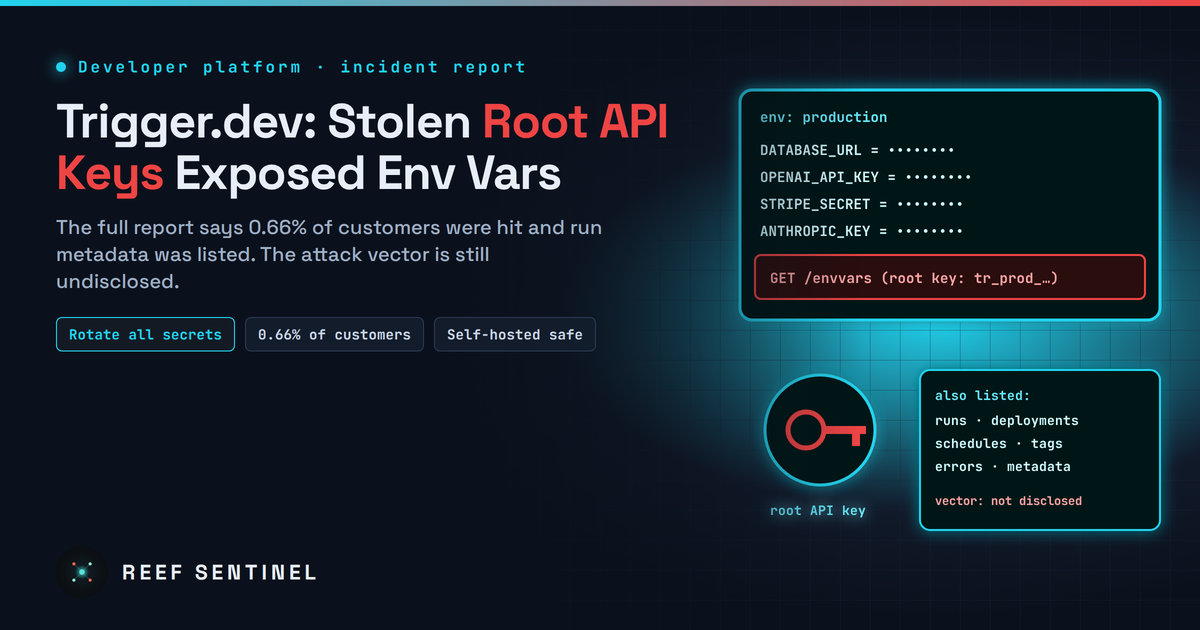
Trigger.dev's full report says an attacker used customer root API keys to read environment variables and list run, deployment and schedule metadata for 0.66% of customers, and tells affected users to treat every stored credential as compromised.
Trigger.dev, a platform that runs background jobs and AI agents for developers, has published its full report on the security incident it disclosed on 1 November 2026. The report answers some of the questions customers had been asking. The attacker obtained root API keys for some customer environments. With them, it read environment variables and listed run, deployment and schedule metadata. About 0.66% of customers were affected. The report leaves one key question open: how the attacker got those keys. Trigger.dev says it cannot reveal the attack vector yet.
If you were affected, Trigger.dev's advice is to treat every credential stored in those environments as compromised.
What Happened
According to the report, published on 6 November by chief executive Matt Aitken:
- 1 November 2026: infrastructure alerts flagged anomalous activity. Trigger.dev confirmed it was malicious, blocked the attacker and mitigated the attack vector the same day.
- 1 November, about 21:36 UTC: the first notification emails went to affected customers.
- 1 November, 22:50 UTC: the incident was posted publicly on the status page and on social media.
- 2 November, 20:27 UTC: a second notification email went to affected customers.
- 6 November: the full report was published and the status-page incident was marked resolved.
The report does not say when the intrusion began or how long the attacker had access before the alerts fired.
Technical Details
Trigger.dev environments (for example dev, staging and production) each have a root API key. That key can manage the environment's settings, including its environment variables. That is where customers keep the database URLs, third-party API keys, AI provider keys and tokens their jobs and agents need at run time.
With root keys for some environments, the attacker:
- accessed environment variables. Trigger.dev says variables are encrypted at rest and decrypted just in time when a run executes. The report does not say whether the attacker saw the values in plaintext. Customers should assume they did.
- listed recent runs, deployments and schedules in some environments. The returned data included run and deployment IDs, task names, idempotency keys, statuses, tags, deployment errors, schedule external IDs and run metadata.
Trigger.dev says it found no evidence of access to other customer data, its production databases or customer dashboard accounts. Self-hosted deployments and webhook signing secrets were not affected.
The company has not named a vulnerability or an attacker. It says it is withholding the attack vector to protect the investigation and its customers, and will share more "when it can do so responsibly".
What Is New Since the First Disclosure
The 1 November notice said only that an attacker had read environment variables for "a subset of organizations". The new report adds:
- the mechanism: stolen root API keys;
- the scale: 0.66% of all customers;
- metadata exposure beyond environment variables;
- what was not affected: self-hosted instances, webhook signing secrets, dashboards and databases;
- the response: law enforcement was notified, outside incident responders were brought in, and new security features were shipped.
Who Is Affected
Only customers who received an impact notification by email or saw a banner in the dashboard. Trigger.dev says that if you received neither, your organisation was not affected. Each notification lists the affected environments.
The incident arrives in a bad week for developer hosting platforms. Northflank told all of its customers to rotate their secrets after a control-plane breach, and Railway disclosed an incident in October. Trigger.dev has not linked its incident to either, and there is no public evidence of a common attacker. Still, the pattern is hard to miss: attackers are going after platforms where many companies' secrets sit in one place, and AI provider keys are among the most valuable of those secrets.
Patch Status and Response
Trigger.dev says it has:
- removed the attacker's access and closed the attack vector;
- rotated its own internal credentials and secrets;
- revoked every potentially affected Trigger.dev API key for the affected environments;
- applied risk-based automatic restrictions to accounts;
- released IP allow-listing for scoped API keys and OIDC support, so customers can depend less on long-lived static keys;
- planned more defence-in-depth changes and earlier detection.
What To Do Now
If you were notified:
- Regenerate your Trigger.dev API keys, following the steps in the email.
- Rotate every secret stored in the affected environments at the provider that issued it: database passwords, cloud keys, AI provider keys (OpenAI, Anthropic, Google and others), payment and messaging tokens. Then revoke the old values. Rotating without revoking leaves the stolen copy working.
- Check provider logs for use of those credentials from unfamiliar IP addresses since late October. Look for unusual AI model usage, which is how stolen AI keys usually show up first.
- Review exposed metadata. Task names, tags and error messages can reveal internal systems or customer identifiers. Consider whether any of it is sensitive.
For every Trigger.dev user, and everyone who stores secrets on a hosted platform:
- Use scoped keys and IP allow-lists, and switch to OIDC where it is supported, instead of one all-powerful root key.
- Keep only what a job needs in each environment, and keep production secrets out of dev and staging.
- Self-hosters: Trigger.dev suggests running in single-tenant mode by setting
WHITELISTED_EMAILSto accounts you control. - Contact
help@trigger.devfrom your account email if you need help or need to verify your account.
Why It Matters
Background-job and agent platforms need live credentials to work, which makes them concentrated stores of other companies' keys. One stolen root key can expose everything an AI agent can reach. Trigger.dev's report is more detailed than many, and its scale and timeline are useful. But until the company explains how the root keys were obtained, customers cannot judge whether the same weakness exists elsewhere. Rotating every secret, and moving away from long-lived static keys, is the safe course.
