“I Got Hacked, Now What?”: The First Five Steps After a Compromised Account
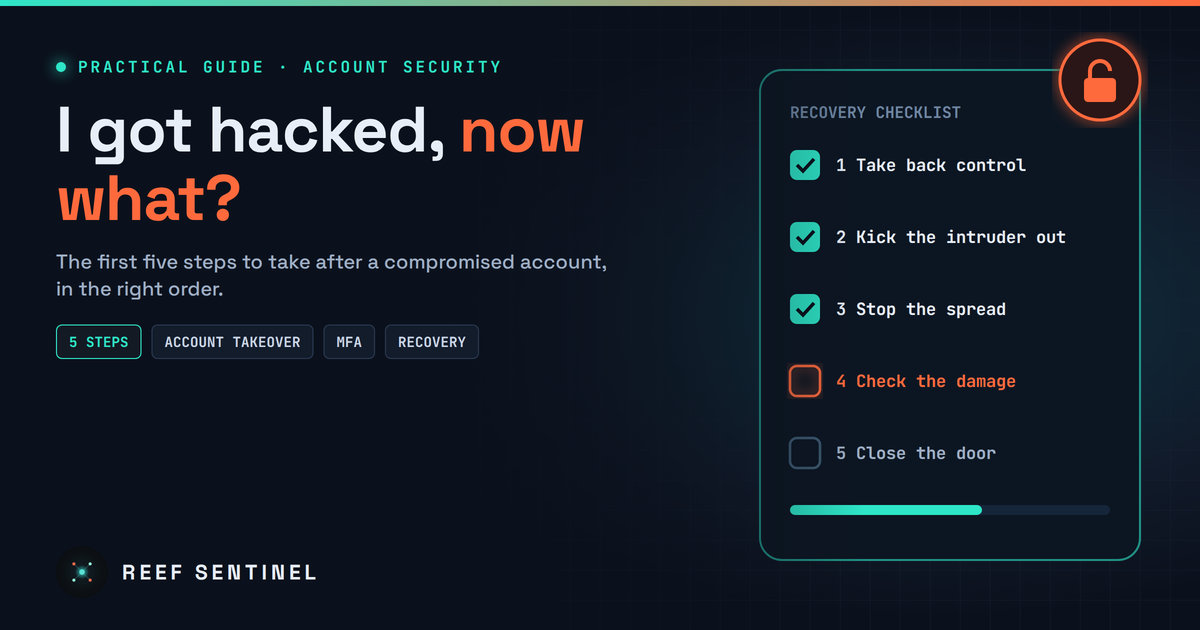
Take back control, kick the intruder out, protect your other accounts, check the damage and close the door: a clear checklist for the first hour after an account takeover.
Don't Panic, Act Fast
A strange login alert, a password that suddenly doesn't work, friends asking why you sent them a weird link, or a purchase you never made. Discovering that one of your accounts has been taken over is stressful, but the first hour matters most. Attackers move quickly to lock you out, drain money or use your account to trick the people who trust you. The good news is that most compromised accounts can be recovered and the damage contained if you follow a clear order of steps. Here they are.
Step 1: Take Back Control of the Account
Start from a device you trust. If you suspect your computer is infected, use your phone or another device, because a new password typed on an infected machine can be stolen again.
If you can still log in, change the password immediately to a long, unique one you have never used anywhere else. A password manager makes this easy.
If you're locked out, go straight to the service's official recovery page by typing the address yourself or using the official app. Never use a link from an email, text or social media message, and ignore anyone who contacts you offering to "recover" your account for a fee. Recovery scammers target people in exactly this situation.
Step 2: Kick the Intruder Out
Changing your password is not always enough. Attackers often steal session cookies, the tokens that keep you logged in, and those can keep working after a password change. So go through the security settings and:
- Sign out of all other sessions and remove devices you don't recognise.
- Check the recovery email address and phone number. Attackers often change these so they can take the account back later.
- Remove unknown connected apps, app passwords and API keys.
- For email accounts, check forwarding rules, filters and delegated access. A hidden rule that forwards or deletes your mail is a classic attacker trick.
- Turn on multi-factor authentication. A passkey or an authenticator app is stronger than SMS codes.
Step 3: Stop the Spread to Other Accounts
If you used the same password anywhere else, assume those accounts are at risk too and change them now. Start with the ones that matter most:
- Your email. It's the master key, because password resets for everything else go there.
- Banking and payment apps.
- Your password manager, if you use one.
- Social media and shopping accounts.
If your email was the account that got hacked, check your other accounts for password-reset messages you didn't request. They can show which accounts the attacker tried to take next.
Step 4: Check the Damage and Warn People
Look at what happened while the attacker was in control. Check sent messages and posts, payment history, saved cards, orders and any changes to your profile.
- If money or cards are involved, call your bank or card provider using the number on the back of your card. Ask them to block cards and flag suspicious transactions.
- Warn your contacts that messages sent from your account may be fake, especially any asking for money, codes or clicks.
- Report the incident to the platform so it can lock things down and restore anything that was changed.
- If it's a work account, tell your IT or security team immediately. A compromised work account can be the first step in a much bigger attack, and they need to know within minutes, not days.
Step 5: Find Out How It Happened and Close the Door
Recovering the account is not the end if the way in is still open. Common causes include:
- A reused password leaked in someone else's data breach.
- A phishing page that captured your login or MFA code.
- Malware, especially "infostealers" hidden in cracked software, fake game mods or dodgy browser extensions, that silently copies saved passwords and session cookies.
Run a full scan with up-to-date security software, update your operating system and browser, and remove extensions and apps you don't need. Check whether your email address appears in known breaches using a reputable breach-notification service. If you find malware on a device, change your passwords again from a clean device afterwards.
Then watch closely for a few weeks. Turn on login alerts, keep an eye on bank statements, and consider a credit freeze if personal identity details were exposed. If you suffered a financial loss or identity theft, report it to the police or your national cybercrime reporting service, and keep screenshots, emails and transaction details as evidence.
What Not to Do
- Don't pay anyone who promises to recover your account. These offers are scams.
- Don't delete evidence such as suspicious emails, messages or transactions until you've reported the incident.
- Don't just change one password and move on. Check sessions, recovery details and linked accounts too.
- Don't stay quiet out of embarrassment. Account takeovers happen to security professionals too, and warning people early protects them.
Prevention: Make the Next Attack Much Harder
Use a unique password for every account, stored in a password manager. Turn on MFA everywhere it's offered, and prefer passkeys where available. Be suspicious of urgent messages asking you to log in, and only install software from official sources. These habits won't make you untouchable, but they stop most account takeovers before they start.
The Bottom Line
Getting hacked is a bad day, not a disaster, if you act quickly and in the right order. Take back control, kick the intruder out, protect your other accounts, contain the damage, then fix the root cause. Save this checklist. The best time to read it is before you need it.
