One Hacked Tool, 178 Brands: Zoom, IKEA, BBC and Bank Websites Served Card- and Crypto-Stealing Malware Through Optimizely
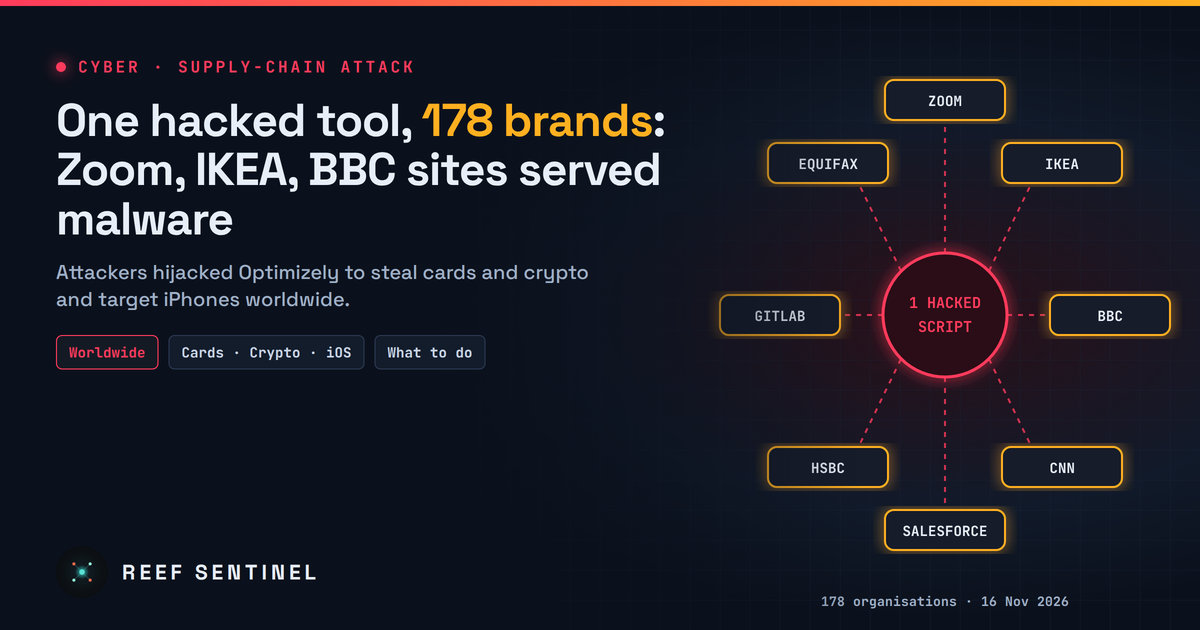
An attacker abused a flaw in Optimizely's A/B testing platform to plant malicious code on 178 major websites worldwide for about 19 hours, stealing cards and crypto and targeting iPhones. Here is what happened and what to do.
What Happened
For most of Monday 16 November 2026, visitors to some of the best-known websites in the world, including Zoom, IKEA, the BBC, CNN, Salesforce, HSBC, GitLab, Equifax, Air France-KLM, Ledger and Peacock, were served malicious code. None of those companies' own servers was hacked. The code came through Optimizely Web Experimentation, a widely used A/B testing tool that large brands load on their pages to try out new designs and offers.
An attacker found a way to write their own JavaScript into the settings of Optimizely customer projects. Because every site loads its Optimizely snippet from Optimizely's servers and trusts it completely, the malicious code ran in visitors' browsers as if it were part of the site itself. It sat inside a script that looked legitimate and came from the right address.
Researchers who scanned the platform during the attack checked 1,611 Optimizely snippets and found 188 infected snippets belonging to 178 organisations worldwide. They say the real number is probably higher, because they could only check snippets they found while the attack was still running. Even Optimizely's own website and login page were affected.
Who Was Affected
The 178 organisations span almost every sector that handles money or personal data. The researchers' breakdown:
- Banking and finance: 32 organisations
- Technology and SaaS: 23
- Retail and fashion: 20
- Streaming and entertainment: 12
- News and media: 10
- Airlines and travel: 9
- Healthcare and pharma, industrial and manufacturing: 8 each
- Telecoms: 7
- Smaller numbers in crypto, insurance, property, food, nonprofit, gambling, logistics, automotive and education
Being on the list means an organisation's Optimizely snippet contained the malicious code at some point on 16 November. It does not by itself mean that any customer data was taken from that company. Each company still has to work out what its own visitors were exposed to.
What the Malicious Code Did
The code was updated many times during the day, gaining features as it went. By the end, it could:
- Swap cryptocurrency addresses. It replaced Bitcoin, Ethereum, Solana, TRON and other wallet addresses on the page, in forms and in the clipboard with the attacker's own, so payments went to the wrong wallet.
- Steal payment cards. From 17:43 Mauritius time (13:43 UTC) it captured card numbers, expiry dates and security codes typed into a site's own form fields. Cards entered in separate hosted payment boxes, such as those provided by payment processors, were out of reach.
- Steal browser data. It sent page addresses, readable cookies and screenshots to the attacker's server when it found wallet or payment content.
- Attack iPhones. It sent iPhone and iPad visitors on older iOS versions to known iOS exploit kits that try to take over the device. Devices on iOS 18.7.3 or later, or iOS 26.3 or later, are patched against them.
Around US$7,000 in cryptocurrency reached the attacker's wallets, which were emptied early on 17 November. Nobody yet knows how many cards or browser sessions were captured.
What the Companies Say
- Optimizely said an unauthorised party exploited a vulnerability in its Experimentation product to add malicious JavaScript to some customer projects. It says it has fixed the vulnerability, removed the injected code, secured the affected user accounts and added protections to stop unauthorised code being delivered. It also says it has contacted affected customers directly. Its status page lists the incident as "Monitoring". Optimizely has not yet said publicly what the vulnerability was or how many customers were affected.
- Zoom said on its Trust Center that it is aware of the incident and has disabled Optimizely across its production environments as a precaution. It says it has not identified any impact to customer data and is monitoring the situation.
- Salesforce posted an advisory on its Trust status site saying it is investigating unauthorised changes to Optimizely scripts used on certain Salesforce websites, and has disabled those scripts as a precaution.
- IKEA and most of the other named brands had not published an official statement on their own channels when we checked.
Timeline
- 16 November, 08:21 Mauritius time (04:21 UTC): first malicious change seen, on the BBC's snippet.
- 16 November, 15:20 Mauritius time (11:20 UTC): Zoom's snippet is modified.
- 16 November, 17:43 Mauritius time (13:43 UTC): card-stealing code is added.
- 17 November, about 00:40–01:10 Mauritius time (16 November, 20:40–21:10 UTC): mass clean-up of infected snippets.
- 17 November, 03:11 Mauritius time (16 November, 23:11 UTC): researchers confirm all infected Optimizely files are clean.
- 17 November, 05:02 Mauritius time (01:02 UTC): Optimizely posts its security incident notice.
- 17 November: the attacker's main domains are suspended or stop responding.
In total, the code was live on some sites for about 17 to 19 hours.
Am I Affected? What Visitors Should Do
If you visited a large brand's website on 16 November, especially to pay, log in or send crypto, take these steps:
- Update your iPhone or iPad to iOS 18.7.3 or later, or iOS 26.3 or later. If you cannot update, turn on Lockdown Mode.
- Check your card statements for anything you don't recognise, and tell your bank straight away if you see unknown charges. If you typed a card into a website form on 16 November, consider asking your bank for a new card.
- Check crypto transactions you made on 16 November. Always compare the full wallet address, character by character, before you send money.
- Sign out and back in on accounts you used that day, and change passwords you entered on affected sites.
- Be wary of follow-up scams. Expect fake "your account was compromised" emails and messages that use this news. Go to companies' websites directly, not through links in messages.
What Website Owners Should Do
If your organisation uses Optimizely Web Experimentation:
- Review the Project JavaScript and every experiment's custom code for scripts you did not write, especially anything that loads code from an unknown domain or uses
atob(oreval(. - Check Optimizely's change history for edits made on or around 16 November.
- Rotate Optimizely credentials and API tokens, and any session tokens or secrets that could have been readable in the browser.
- Treat card details typed into your own form fields on 16 November as possibly exposed, and talk to your payment provider.
- Use a strict Content Security Policy (CSP) that limits where scripts can load from and where data can be sent. Of the affected organisations the researchers checked, only about 15% had a policy that fully blocked the attack.
The full technical analysis, including indicators of compromise and detection queries, is in our Threat Intelligence report: Optimizely Web Hijacked to Serve Malware on 178 Brands' Sites.
Why This Matters
This is a textbook supply-chain attack. The attacker did not need to break into Zoom, IKEA or a single bank. They compromised one service that all of them trust and let that trust carry the malicious code to millions of visitors. Many businesses, including those in Mauritius and the region, load marketing, analytics, chat and testing scripts from outside providers on every page. Each of those scripts runs with the same power as the website's own code.
The lesson for every organisation is to know which third-party scripts run on your site, keep them off payment pages where possible, and limit what they are allowed to load and where they can send data. For everyone else, the best defence remains the simple steps above: keep devices updated, check statements, and verify before you pay.