PHP2Shell Patched? Why Upgrading PHP Alone Won't Keep Webshells Out: A 7-Step Hardening Checklist
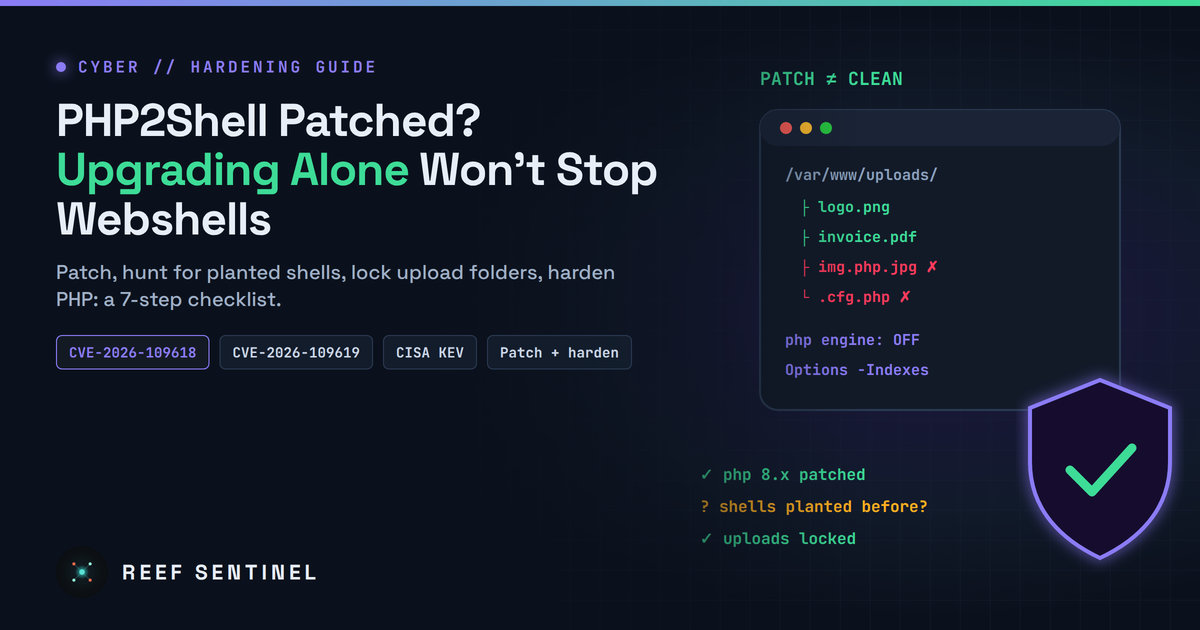
Upgrading PHP is the only real fix for PHP2Shell (CVE-2026-109618/109619), but it won't remove shells planted before the patch or stop the next one: patch, hunt, lock down uploads and harden PHP.
Why this still matters
A month after PHP shipped emergency fixes for PHP2Shell, many web servers are still exposed. The two flaws, CVE-2026-109618 ("RCE via OOM corruption") and CVE-2026-109619 ("RCE via stale global state"), are each rated CVSS v4.0 9.2 and let an attacker run code on a PHP server without logging in. The PHP project released the fixes on 21 October 2026 at 18:00 Mauritius time (14:00 UTC). Exploitation in the wild was reported the same day, and CISA added both CVEs to its Known Exploited Vulnerabilities catalogue on 26 October 2026.
We covered the flaws, and how attackers used them against firewalls and gateways, in earlier articles. This one answers the question many administrators are now asking: is upgrading PHP enough?
The short answer:
- For PHP2Shell itself: yes. Upgrading is the real fix. The PHP project says its configuration workarounds "do not make an installation safe" and that updating is the only safe choice.
- For your server: no. An upgrade closes the hole but does not remove anything an attacker already planted. It also does nothing about weak upload handling, open folders or unsafe code, which is how the next webshell gets in.
Here is a practical checklist that covers both.
Step 1: Patch PHP properly
The minimum versions that fix PHP2Shell are 8.5.12, 8.4.27, 8.3.36 and 8.2.35. On 19 November 2026 PHP released 8.5.13, 8.4.28, 8.3.37 and 8.2.36 as further security releases. They fix several more session-handling flaws that can lead to remote code execution, including CVE-2026-115560, which PHP flagged in its 23 October advisory. Go straight to the 19 November versions.
- Restart everything. Restart every PHP-FPM pool and Apache (mod_php) after upgrading. Old workers keep running the vulnerable code until they are restarted.
- Check the version the web server actually runs.
php -vshows the command-line PHP, which can differ from the PHP behind your website. Check with a temporaryphpinfo()page that only admins can reach, and delete it afterwards. - Old branches. PHP 7.4, 8.0 and 8.1 received only source-code backports, not official releases. Use your Linux distribution's patched packages or move to a supported branch. PHP 7.3 and older have no fix and should be retired.
- Bundled PHP. Control panels, appliances and Docker images often ship their own PHP. Update those too, and pull fresh base images instead of reusing cached ones.
Step 2: Temporary measures if you cannot patch today
These only lower the risk. The PHP project is clear that they are not a fix.
- Set
session.upload_progress.enabled = 0inphp.inior the FPM pool configuration, not withini_set()or.user.ini, then restart every worker. - On PHP 8.5, also set
fatal_error_backtraces = 0. - Keep
post_max_sizesmall (PHP suggests 8M for sites without uploads, 32M with uploads) andupload_max_filesizebelow it. - At the reverse proxy or WAF, enforce limits on request size, number of form fields, multipart parts and headers.
- Do not use
RLIMIT_ASorRLIMIT_DATAas a memory cap. PHP warns these can trigger the vulnerable allocation failure. Use a cgroup or container memory limit instead.
Step 3: Check whether you were already hit
Exploitation started before most servers were patched, so assume anything exposed before your upgrade may have been touched. Upgrading does not remove a webshell. Look for:
- New PHP files in places where none belong, especially upload, cache, image and temp folders:
find /var/www -type f -name ".php" -path "*upload" - PHP files changed since mid-October 2026:
find /var/www -type f -name ".php" -newermt "2026-10-15" -ls - Typical webshell code:
grep -rlE "eval\(|base64_decode\(|gzinflate\(|assert\(|shell_exec\(|passthru\(" /var/www --include=*.php - Hidden files and double extensions such as
.config.php,image.php.jpgorlogo.phtml. - New cron jobs, new system or CMS users, unknown SSH keys in
~/.ssh/authorized_keys, and outbound connections from the web user to unfamiliar IP addresses.
If you find something, treat the server as compromised. Isolate it, keep copies of the evidence, rotate every password, API key and database credential the site uses, and rebuild from a clean source rather than just deleting the file you found.
Step 4: Lock down upload folders
PHP2Shell is an engine bug, but most webshells, from this campaign or any other, survive because uploaded or dropped .php files can be listed and run from a public folder. Closing that path protects you against the next flaw too.
- Stop directory listing, so nobody can browse your upload folders: Apache:
Options -Indexesnginx:autoindex off;(the default, but check that nolocationblock turns it on) - Block PHP from running in upload folders. This is the most important line on this list: nginx:
location ~* ^/uploads/.*\.(php|phtml|phar|php\d)$ { deny all; }Apache, inside the uploads<Directory>:php_admin_flag engine offplus a<FilesMatch "\.(php|phtml|phar)$"> Require all denied </FilesMatch>block - Keep uploads outside the web root where possible, and serve them through a download script that checks permissions.
- Rename every uploaded file to a random name with an extension you choose, and never keep the user's filename.
- Check the real file type from its content (for example with
finfo), not from the extension or the browser's Content-Type header. Accept only an allow-list of types, such asjpg,pngandpdf. - Re-encode images so hidden code in image metadata is dropped.
- Set size limits in PHP, in the web server and in your app.
- Add an empty
index.htmlto upload folders as a backup in case directory listing is turned on by mistake.
Step 5: Harden PHP itself
- Disable dangerous functions the site does not need:
disable_functions = exec,passthru,shell_exec,system,proc_open,popen,pcntl_exec - Confine file access with
open_basedirset to the site's own folders. allow_url_include = Off,expose_php = Off,display_errors = Offin production.- Run one FPM pool per site under its own low-privilege user. The web user should be able to write only to upload and cache folders, never to code folders.
- Make code read-only for the web user, so even a successful attacker cannot change your application files.
Step 6: Secure coding habits that block webshells
- Validate uploads on the server, never only in the browser.
- Never build
includeorrequirepaths from user input. Use a fixed list of allowed pages instead. - Use prepared statements for every database query.
- Check permissions on every endpoint, including admin AJAX and API routes.
- Keep Composer dependencies and CMS plugins up to date, and remove the ones you no longer use.
- Never call
unserialize()on user data. Use JSON.
Step 7: Defence in depth
- Put a WAF in front of public PHP sites, and keep its rules updated.
- Use file-integrity monitoring that alerts on any new or changed
.phpfile in writable folders. - Centralise logs, and alert on unusual multipart POST requests and on 500 errors from PHP workers.
- Keep tested offline backups, so a compromised server can be rebuilt quickly.
The bottom line
Upgrading PHP is required, and it is the only real fix for PHP2Shell. But it is only the first step. Patch to the latest release and restart every worker. Then check that nobody got in before you patched. Finally, lock down uploads and PHP settings so the next engine bug or code mistake does not end with a shell on your server.