Verifying the November 2026 Android Patch Across Your Devices: Platform and Vendor Patch Levels With ADB, a Fleet Check Script and MDM Enforcement
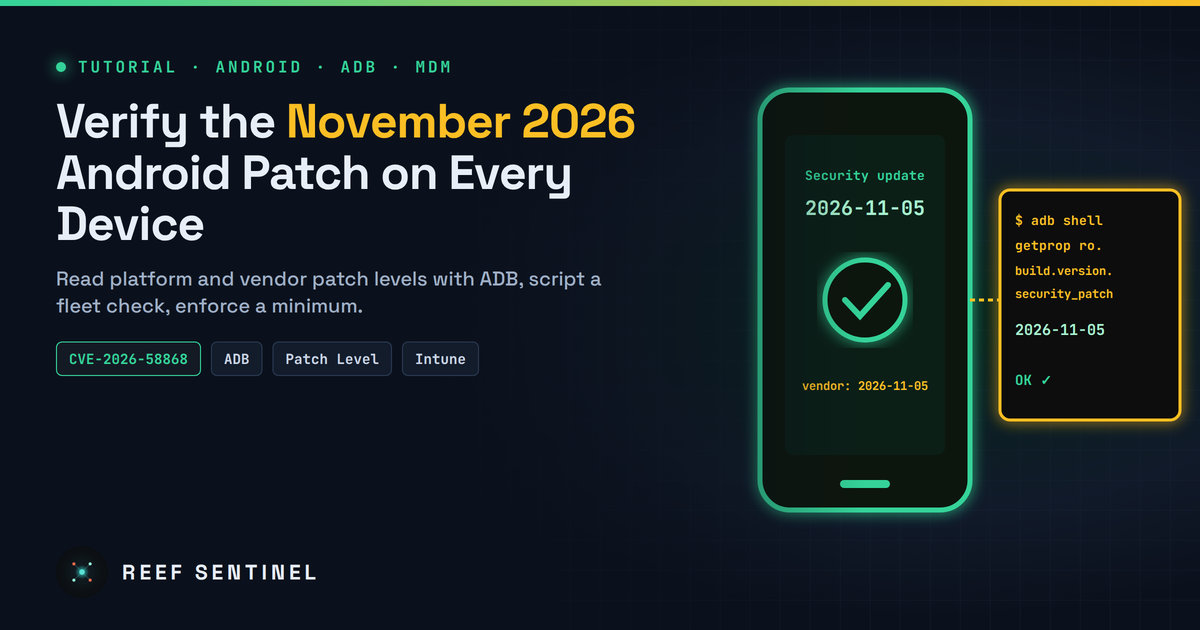
Confirm devices are protected against the zero-click Framework flaw CVE-2026-58868 by reading platform and vendor patch levels with ADB, scripting a multi-device check and enforcing a minimum in MDM.
Google's November 2026 Android Security Bulletin fixes 216 vulnerabilities, 23 of them rated Critical. The one to prioritise is CVE-2026-58868, a Critical remote code execution flaw in the Android Framework that needs no user interaction. It affects Android 14, 15, 16, 16 QPR2 and 17 and is fixed at security patch level 2026-11-01. The bulletin noted no known exploitation when it was published, but zero-click bugs are exactly what spyware vendors look for, so now is the time to confirm your devices are patched. This beginner-friendly tutorial shows how to read a phone's real patch state from Settings and with ADB, check several devices at once with a small script, catch vendor patches that lag behind, and enforce a minimum patch level through device management.
Prerequisites
- One or more Android phones or tablets you own or administer.
- A computer running Windows, macOS or Linux with Google's Android SDK Platform-Tools (for
adb). Download the zip from the official Android developer site, extract it and add the folder to yourPATH. - A USB cable. Wireless debugging also works on Android 11+.
- Developer options enabled on each device (tap Build number seven times in About phone) with USB debugging turned on. Switch it off again when you're done.
Step 1: Understand the two patch dates
Every monthly bulletin has two patch levels:
- 2026-11-01 covers Framework, System and Android runtime fixes, including CVE-2026-58868.
- 2026-11-05 covers everything in 2026-11-01 plus kernel and chipset-vendor fixes (Arm, Imagination, MediaTek, Unisoc, Qualcomm). Six kernel bugs and eight MediaTek modem bugs in that section are rated Critical.
A device at 2026-11-01 is protected against the headline Framework flaw but not necessarily against the kernel and modem bugs. Aim for 2026-11-05 or later. Separately, Google Play system updates (Project Mainline) deliver fixes to individual modules such as Media Codecs, MediaProvider, Telephony and Wi-Fi through the Play Store. They have their own date.
Step 2: Check the patch level on the device
The menu path differs by manufacturer, but on most phones:
- Open Settings > About phone > Android version and read Android security update. On Pixel, Settings > Security & privacy > System & updates shows it too.
- On the same screen, read Google Play system update.
- Tap Settings > System > Software updates (or your manufacturer's equivalent) and install anything pending.
That's enough for one phone. For several devices, or to see the vendor patch level the Settings screen hides, use ADB.
Step 3: Read the patch properties with ADB
Connect the device, accept the RSA fingerprint prompt on screen, and confirm it's visible:
adb devices -lThen read the build properties:
adb shell getprop ro.build.version.security_patch        # platform patch level, e.g. 2026-11-05
adb shell getprop ro.vendor.build.security_patch         # vendor (chipset/kernel side) patch level
adb shell getprop ro.build.version.release               # Android version, e.g. 17
adb shell getprop ro.product.model
adb shell getprop ro.build.fingerprint
ro.build.version.security_patch is the value the bulletin tells manufacturers to set to 2026-11-01 or 2026-11-05. On devices with a separate vendor partition, ro.vendor.build.security_patch shows how current the chipset and kernel code is. If it's months behind the platform date, the kernel and modem fixes from the 2026-11-05 section are probably missing even though Settings shows a recent date.
Check the Google Play system update version too:
adb shell dumpsys package com.google.android.modulemetadata | grep -m1 versionNameStep 4: Check every connected device at once
Save this as patchcheck.sh (macOS/Linux, or Git Bash/WSL on Windows):
#!/usr/bin/env bash
# Usage: ./patchcheck.sh [minimum-date]   default: 2026-11-05
MIN="${1:-2026-11-05}"
printf "%-18s %-22s %-4s %-12s %-12s %s\n" SERIAL MODEL VER PLATFORM VENDOR STATUS
for s in $(adb devices | awk 'NR>1 && $2=="device"{print $1}'); do
  p() { adb -s "$s" shell getprop "$1" | tr -d '\r'; }
  model=$(p ro.product.model); ver=$(p ro.build.version.release)
  plat=$(p ro.build.version.security_patch); vend=$(p ro.vendor.build.security_patch)
  status=OK
  [[ "$plat" < "2026-11-01" ]] && status="VULNERABLE (CVE-2026-58868)"
  [[ "$status" == OK && "$plat" < "$MIN" ]] && status="PARTIAL (<$MIN)"
  [[ -n "$vend" && "$vend" < "$MIN" && "$status" == OK ]] && status="VENDOR LAG ($vend)"
  printf "%-18s %-22s %-4s %-12s %-12s %s\n" "$s" "${model:0:22}" "$ver" "$plat" "${vend:--}" "$status"
done
Run it:
chmod +x patchcheck.sh
./patchcheck.sh            # check against 2026-11-05
./patchcheck.sh 2026-11-01 # check only for the Framework RCE fix
Patch dates use YYYY-MM-DD, so plain string comparison sorts them correctly. Sample output:
SERIAL             MODEL                  VER  PLATFORM     VENDOR       STATUS
1A2B3C4D5E         Pixel 10               17   2026-11-05   2026-11-05   OK
R5CT20XXXXX        SM-A566B               16   2026-10-01   2026-09-01   VULNERABLE (CVE-2026-58868)
Step 5: Push the device to update
From your computer, you can jump straight to the system update screen on a connected device:
adb -s SERIAL shell am start -a android.settings.SYSTEM_UPDATE_SETTINGSTap Check for update, install and reboot, then run patchcheck.sh again. Manufacturers release monthly patches at different times. Pixel devices usually get them first and other brands follow over days or weeks. If an update isn't offered yet, check the manufacturer's security bulletin page for that model's schedule.
A device that is no longer supported will never reach 2026-11-01. Any phone still on Android 13 or older won't get these fixes. Phones on Android 14 or newer that haven't had a patch in several months fall in the same group. Move them off sensitive work: no corporate email, no admin apps, no messaging accounts that attackers would value.
Step 6: Enforce a minimum patch level in device management
Manual checks don't scale. Most MDM platforms can mark a device non-compliant below a given patch date:
- Microsoft Intune: in an Android Enterprise compliance policy, set Minimum security patch level to
2026-11-01now and raise it to2026-11-05once your fleet's manufacturers have shipped it. Combine it with a Conditional Access policy that requires compliant devices for Microsoft 365. - Other MDMs and Android Enterprise: look for a "security patch level" or "OS update" compliance rule, plus a system update policy (automatic or in a maintenance window) so devices install updates without waiting for the user.
Give users a short grace period, such as 7 to 14 days after the update is available for their model. Then block access to corporate data until the device complies.
Verification
adb shell getprop ro.build.version.security_patchreturns2026-11-01or later. Ideally it's2026-11-05or later.patchcheck.shreportsOKfor every device you manage.- In your MDM console, no device shows a patch level older than your new minimum without a ticket explaining why.
Troubleshooting
adb devicesshowsunauthorized. Unlock the phone and accept the debugging prompt. If no prompt appears, use Revoke USB debugging authorisations in Developer options and reconnect.- Device not listed at all on Windows. Install the manufacturer's USB driver (or Google's USB driver for Pixel) and use a data-capable cable.
ro.vendor.build.security_patchis empty. Some older or non-Treble devices don't set it. Rely on the platform patch level and the manufacturer's bulletin.- Settings shows a newer date than ADB. Make sure you're reading
ro.build.version.security_patch, not the Google Play system update date. They are separate.
Wrapping Up
A zero-click Framework RCE is the kind of bug you want closed before anyone exploits it. Know what the two patch dates mean, read the real values (including the vendor patch level), script the check across your devices, and set your MDM to enforce the minimum. Then turn off USB debugging on every phone you enabled it on. It's an attack surface of its own.
