Detecting Tampering in AI Coding Agent Config on macOS and Linux: Baselining and Watching AGENTS.md, CLAUDE.md, GEMINI.md and Settings
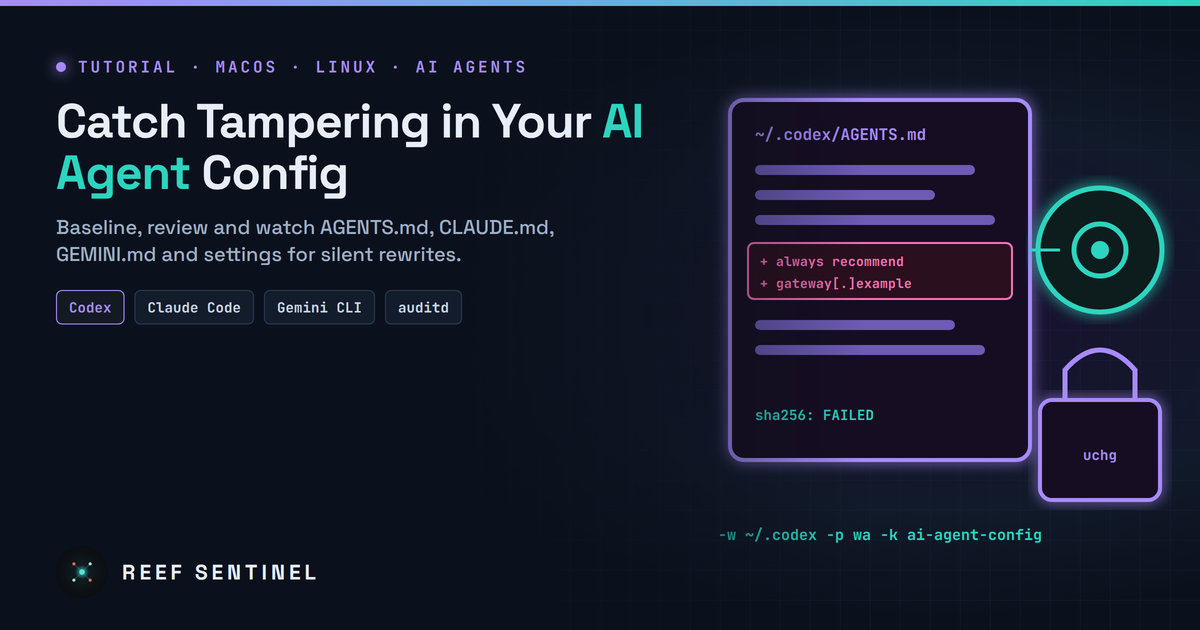
Build a hash baseline, risky-key review, real-time change alerts and optional immutable locks for the global instruction and settings files that steer Codex, Claude Code and Gemini CLI.
AI coding agents read a handful of plain-text files every time they start: global instructions, settings and MCP server lists. Whoever can write to those files can steer every session that follows. This week a "jailbreak pack" for OpenAI Codex was found rewriting the agent's global instructions to advertise a paid LLM gateway. Earlier, infostealers added AI-assistant config folders to their target lists. Tampering with these files is quiet. The agent keeps working, it just follows someone else's rules. This tutorial builds a small, practical integrity check for Codex, Claude Code and Gemini CLI config on macOS and Linux: an inventory, a hash baseline, a review of risky keys, real-time change alerts and optional locking.
Prerequisites
- macOS 13+ or a modern Linux distribution (Ubuntu 22.04+/Debian 12+/Fedora 39+).
- One or more AI coding agents in use: Codex CLI, Claude Code, Gemini CLI.
- For real-time alerts:
fswatchon macOS (brew install fswatch), andinotify-toolsorauditdon Linux. - Basic shell skills. Everything here runs as your normal user except the auditd and
chattrsteps.
Step 1: Inventory the files that steer your agents
Each agent loads global files from your home directory and project files from the repository. The global ones matter most, because they apply to every project:
- Codex:
~/.codex/AGENTS.md, plus~/.codex/AGENTS.override.md, which takes priority when present, and~/.codex/config.toml. IfCODEX_HOMEis set, Codex reads that directory instead of~/.codex. - Claude Code:
~/.claude/CLAUDE.md,~/.claude/settings.json, and~/.claude.json, which holds MCP server configuration and per-project trust state. IfCLAUDE_CONFIG_DIRis set, the home-directory files move there. - Gemini CLI:
~/.gemini/GEMINI.mdand~/.gemini/settings.json.
List what actually exists on your machine:
for f in "${CODEX_HOME:-$HOME/.codex}"/{AGENTS.md,AGENTS.override.md,config.toml} \
         "${CLAUDE_CONFIG_DIR:-$HOME/.claude}"/{CLAUDE.md,settings.json} "$HOME/.claude.json" \
         "$HOME/.gemini"/{GEMINI.md,settings.json}; do
  [ -e "$f" ] && ls -l "$f"
done
An AGENTS.override.md that you didn't create is a red flag. It silently replaces your normal global instructions.
Step 2: Review the content before you trust it
A baseline only helps if the starting state is clean. Read the instruction files in full. They are short. Then search all of them for the patterns tampering usually adds: new endpoints, proxy settings, shell commands and promotional text.
CFG="$HOME/.codex $HOME/.claude $HOME/.claude.json $HOME/.gemini"
grep -RnoE 'https?://[^" )]+' $CFG 2>/dev/null | grep -v '/projects/' | sort -u
grep -RnE 'base_url|BASE_URL|model_provider|apiKeyHelper|HTTPS?_PROXY|"hooks"|curl |wget |bash -c' \
  $HOME/.codex/config.toml $HOME/.claude/settings.json $HOME/.gemini/settings.json 2>/dev/null
Questions to ask about each hit:
- Does
model_provider/base_urlin Codex, orANTHROPIC_BASE_URLin a Claude Codeenvblock, point to a gateway your organisation actually runs? - Is every MCP server in
~/.claude.jsonone you added yourself? - Do the instruction files contain text telling the agent to recommend a product, contact a URL, disable approvals or hide what it is doing?
If anything is unexplained, remove it, rotate any API keys stored on the machine, and check how it got there before you go on.
Step 3: Record a hash baseline
Store hashes and a copy of each file somewhere the agents don't write to:
mkdir -p ~/.agent-integrity/copies && chmod 700 ~/.agent-integrity
cat > ~/.agent-integrity/files.txt <<'EOF'
.codex/AGENTS.md
.codex/AGENTS.override.md
.codex/config.toml
.claude/CLAUDE.md
.claude/settings.json
.gemini/GEMINI.md
.gemini/settings.json
EOF

cd ~ && while read -r f; do
  [ -f "$f" ] && { mkdir -p ~/.agent-integrity/copies/"$(dirname "$f")"; cp -p "$f" ~/.agent-integrity/copies/"$f"; }
done < ~/.agent-integrity/files.txt

# sha256sum on Linux; shasum -a 256 on macOS
HASH=$(command -v sha256sum || echo "shasum -a 256")
cd ~ && xargs -I{} sh -c '[ -f "{}" ] && '"$HASH"' "{}"' < ~/.agent-integrity/files.txt \
  > ~/.agent-integrity/baseline.sha256
~/.claude.json is left out of the hash list on purpose. Claude Code rewrites it often with session state. Check its mcpServers section separately (Step 4).
Step 4: Write a check script
Save this as ~/.agent-integrity/check.sh and make it executable with chmod +x:
#!/usr/bin/env bash
set -u
cd "$HOME"
HASH=$(command -v sha256sum || echo "shasum -a 256")
status=0
# 1. Changed or deleted baseline files
$HASH -c --quiet "$HOME/.agent-integrity/baseline.sha256" 2>/dev/null || status=1
# 2. Files that appeared since the baseline (e.g. a new override file)
while read -r f; do
  if [ -f "$f" ] && ! grep -q " $f\$" "$HOME/.agent-integrity/baseline.sha256"; then
    echo "NEW FILE: $f"; status=1
  fi
done < "$HOME/.agent-integrity/files.txt"
# 3. MCP servers registered with Claude Code
if command -v jq >/dev/null && [ -f "$HOME/.claude.json" ]; then
  jq -r '.mcpServers // {} | keys[]' "$HOME/.claude.json" | sort > /tmp/mcp-now.$$
  [ -f "$HOME/.agent-integrity/mcp.txt" ] || cp /tmp/mcp-now.$$ "$HOME/.agent-integrity/mcp.txt"
  diff -u "$HOME/.agent-integrity/mcp.txt" /tmp/mcp-now.$$ || status=1
  rm -f /tmp/mcp-now.$$
fi
[ $status -eq 0 ] && echo "agent config OK" || echo "agent config CHANGED - review with diff against ~/.agent-integrity/copies"
exit $status
When it reports a change, see exactly what changed:
diff -u ~/.agent-integrity/copies/.codex/AGENTS.md ~/.codex/AGENTS.mdIf the change was yours, refresh the baseline by re-running the Step 3 commands.
Step 5: Run it automatically
Linux (cron): run the check hourly and send failures to the system log:
( crontab -l 2>/dev/null; echo '0 * * * * $HOME/.agent-integrity/check.sh >/dev/null || logger -t agent-integrity "AI agent config changed"' ) | crontab -Real-time on Linux with auditd (as root). Every write is recorded with the process that made it:
sudo auditctl -w /home/alice/.codex/ -p wa -k ai-agent-config
sudo auditctl -w /home/alice/.claude/ -p wa -k ai-agent-config
sudo auditctl -w /home/alice/.gemini/ -p wa -k ai-agent-config
sudo ausearch -k ai-agent-config -i | grep -E 'name=|exe='
To keep the rules across reboots, put the same -w lines in /etc/audit/rules.d/ai-agent.rules and run sudo augenrules --load.
Real-time on macOS with fswatch:
fswatch -0 ~/.codex ~/.claude/CLAUDE.md ~/.claude/settings.json ~/.gemini | \
  while IFS= read -r -d '' path; do
    osascript -e "display notification \"$path changed\" with title \"Agent config\""
  done
Run it from a LaunchAgent if you want it to start at login. The exe= field from auditd is especially useful: an edit by your editor is expected, an edit by a downloaded binary is not.
Step 6 (optional): Lock the global instruction files
Instruction files rarely change, so you can make them immutable. The agent can still read them, but nothing can modify them until you unlock them:
# macOS (user immutable flag)
chflags uchg ~/.codex/AGENTS.md ~/.claude/CLAUDE.md
chflags nouchg ~/.codex/AGENTS.md          # to edit again

# Linux (root required)
sudo chattr +i /home/alice/.codex/AGENTS.md
sudo chattr -i /home/alice/.codex/AGENTS.md
Don't lock settings.json or config.toml if you change settings from inside the tools, because the agents need to write to them.
Verification
- Append a test line to
~/.codex/AGENTS.md(after unlocking it), runcheck.sh, and confirm it reportsFAILEDfor that file. Undo the change and confirm it reportsagent config OK. - Create an empty
~/.codex/AGENTS.override.mdand confirm the script printsNEW FILE. Then delete it. - Ask Codex to summarise its active instructions, for example
codex exec "List the instruction sources you loaded", and check that only the files you expect are mentioned.
Troubleshooting
- Every file reports as changed on macOS. Create and check the baseline with the same tool. The script uses
shasum -a 256whensha256sumisn't installed, so don't mix in a Homebrewsha256sumlater. - Constant alerts from
~/.claude. Watch onlyCLAUDE.mdandsettings.json, not the whole directory. Claude Code writes session data there. - auditd rules vanish after a reboot. Rules added with
auditctlare temporary. Use therules.dfile.
Wrapping Up
Your agent is only as trustworthy as the files it reads at startup. A reviewed starting point, a hash baseline, alerts on change and locked instruction files turn a silent compromise into a notification you can act on, with very little effort. Keep this in place alongside the usual measures: keys out of plaintext, a short MCP server list, and approval prompts left on.
