Apple Reins In AI Agents on the Mac: macOS 27.3 Splits App-Control Permission, Scopes Full Disk Access and Adds an Indicator When One App Controls Another
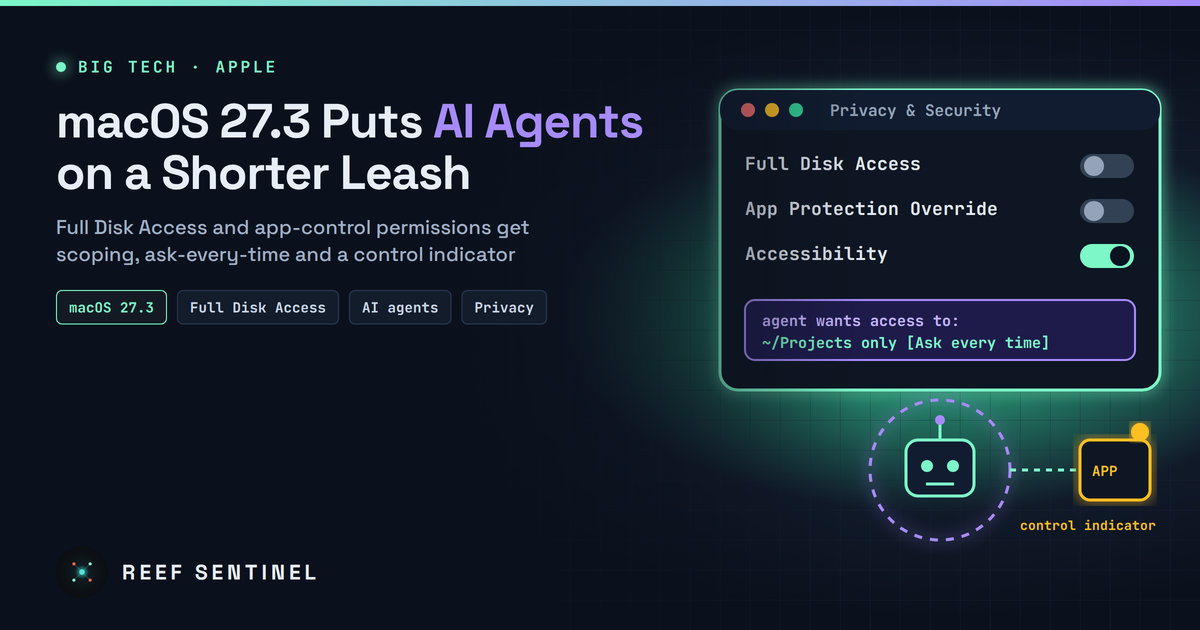
Apple's macOS 27.3 beta 2 adds scoped access, an ask-every-time option and an app-control indicator for Full Disk Access and the old Device Control and Data Access permission, saying AI agents make that level of access far riskier.
Apple is changing how Mac users hand AI agents and other powerful apps the keys to their data. In macOS 27.3 beta 2, released to developers on 16 November 2026, the company split one of its most sensitive permissions in two, added guidance that pushes users toward granting access to specific apps or folders instead of everything, and introduced an on-screen indicator for when one app is controlling another. The vendor says the goal is to make sure users understand that granting "extraordinary access" to an app "puts all of the data on their Mac at risk."
What Happened
Apple's developer announcement covers two system permissions: Device Control and Data Access, and Full Disk Access. Both allow an app to reach far beyond the normal privacy prompts macOS shows for photos, contacts, mail or messages. In macOS 27.3 Apple is introducing:
- A split of Device Control and Data Access into two separate settings: System & App Protection Override and Accessibility
- A single way to grant these permissions: picking the requesting app from a list
- Guidance encouraging users to grant access only to the specific apps (for System & App Protection Override) or folders (for Full Disk Access) their workflow actually needs
- More visibility into the range of data an app will be able to read or control if full permissions are granted
- An option to make apps ask every time they need access, instead of holding it permanently
- A transparency indicator shown when a requesting app is controlling another app through System & App Protection Override
Permissions that users have already granted stay in effect. The new flow appears when an app makes a new permission request.
The Background: AI Agents Changed the Threat Model
This did not come out of nowhere. On 2 October 2026 Apple published a shorter developer notice saying it would tighten Full Disk Access. That setting, Apple explained, "largely sidesteps" the controls that protect private data so that backup apps can work. But "some developers are using Full Disk Access in ways that could put users at risk, exposing everything on their systems — including files, mail, messages, and even browsing history — without users' full knowledge and understanding."
Apple then made the AI link explicit: "As AI agents become increasingly capable and autonomous, the risks associated with this level of access will grow substantially."
The timing followed a public row over Meta's Muse AI agent for Mac. In late September a technology columnist said Muse appeared to know the contents of his private messages without permission. Meta disputed this, saying the Messages integration is opt-in and requires both Full Disk Access and a separate Messages connector to be switched on. Neither account has been independently confirmed, but the episode showed how blurry the line between "helpful agent" and "everything on my Mac" had become for ordinary users.
Why It Matters
For security teams, Full Disk Access has long been one of the most valuable things an attacker or a careless app can obtain on a Mac. It exposes the Mail and Messages databases, Safari history, other apps' containers and many protected folders. Until now it was a binary switch, typically flipped once during an app's onboarding and then forgotten.
AI agents make that switch far more consequential, for three reasons:
- Agents act, not just read. An assistant that can control other apps (the capability now named System & App Protection Override) can click, type and send on the user's behalf. A prompt injection hidden in a web page, email or document could steer that power.
- Standing access is the real risk. A permission granted on day one stays available to every future task, model update or compromised plug-in. The new ask-every-time option directly reduces that exposure.
- Users cannot see what is happening. The new indicator gives people a visible signal when one app is driving another, closer to the camera and microphone indicators that made silent recording harder to hide.
None of this is a hard technical limit: a user can still grant full access. Apple's change is about informed consent, scoping and visibility, not a ban on powerful agents.
What It Means for Users and IT Teams
- Audit what already has access. Because existing grants carry over, open System Settings, then Privacy & Security, and review Full Disk Access and Accessibility. Remove anything you no longer use, especially AI assistants and automation tools installed on trial.
- Prefer scoped and ask-every-time access for AI agents once macOS 27.3 ships. An agent that needs one project folder should not hold the whole disk.
- Managed fleets: review the Privacy Preferences Policy Control (PPPC) profiles in your MDM. Many organisations pre-approve Full Disk Access for security and backup tools. Check those payloads against the new settings when testing 27.3 betas, and decide whether AI tools should ever be pre-approved.
- Developers: Apple tells developers to update onboarding and make sure apps "gracefully handle having access to only a limited set of folders or apps." Backup tools (Full Disk Access) and assistive technology apps (the new Accessibility setting) can request entitlements to keep their current experience for new installs; Apple says known apps are not affected for now and that entitlement details will come later.
What Happens Next
macOS 27.3 is still in beta, and Apple has not given a public release date. Entitlement details are still to come, and those will decide which apps keep a smooth one-click setup and which must ask for narrower access. Expect AI agent makers to rework their Mac onboarding in the coming weeks. Watch whether Apple brings similar per-app controls to iOS and iPadOS as agents spread there too.
The broader signal is clear: platform owners now treat autonomous agents as a separate class of risk. The permission models built for backup tools and screen readers were never designed for software that can read everything and then act on it.