For About 60 Cents a Gigabyte, Your Traffic Could Leave Through the White House: The Free-App Proxy Problem
For About 60 Cents a Gigabyte, Your Traffic Could Leave Through the White House: The Free-App Proxy Problem
Residential proxy services exited through the Executive Office of the President's network 236 times in a month, and the likely cause, a free app that bundles proxy SDKs, is probably on networks you defend too.
What researchers found
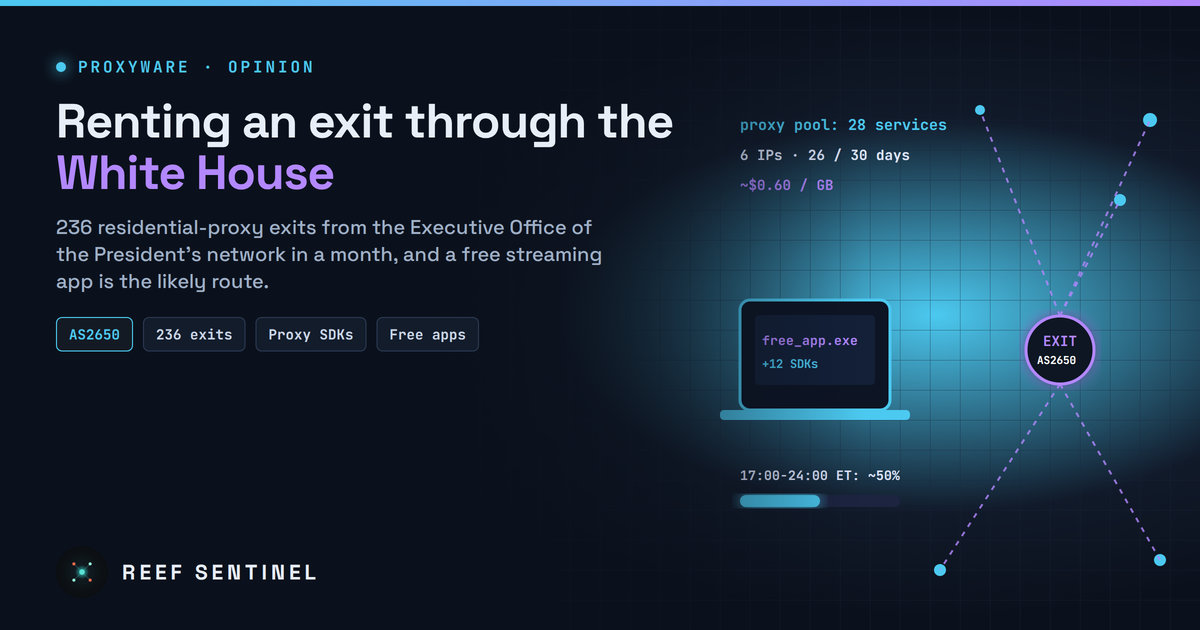
A threat intelligence firm that maps residential proxy networks says its enumeration pipeline exited through AS2650 236 times between 5 October and 3 November. AS2650 is the autonomous system registered to the Executive Office of the President. The exits came from six public IP addresses on 26 of those 30 days, and 28 separate residential proxy services offered the route.
The firm stresses that it did not target the network. Its staff noticed the addresses while requesting ordinary global rotating access, and other proxy-detection services independently flagged the same addresses as residential proxy exits. About half the traffic fell between 5 p.m. and midnight Eastern, with almost none in the early morning. The researchers read that pattern as someone who is regularly on the network in the evening, using a device that runs a proxy SDK.
A second research team went further. On 4 November it said several White House staffers were running Windows 11 machines with InfaticaSDK installed. A day later it said per-session detection showed Windows 10 and 11 devices beaconing to Geonode, Infatica and Mellowtel. It now believes, with high confidence, that the app responsible is Rave, a shared streaming app that bundles 12 proxy SDKs and runs on Windows, macOS, iPhone and Android. That attribution comes from the researchers, and no statement from the White House or the Executive Office of the President has been published.
To be precise: none of this proves the White House network was breached. The data shows exit points, not a device or a person, and nothing published shows anyone reaching internal systems.
Why "it's just a proxy" is the wrong reaction
Residential proxy services sell access to ordinary people's internet connections, so a buyer's traffic appears to come from a home or office address instead of a data centre. Much of that supply comes from SDKs embedded in free apps. The developer earns a small fee per install, and the user's bandwidth is rented out, often with consent buried in a terms-of-service screen.
That is a problem on any corporate network, for three reasons.
- Your IP reputation is for sale. Whoever buys the route borrows your organisation's address. Credential stuffing, scraping, fraud or harassment can then appear to come from your office. For a government network, that also means traffic that looks official to anyone checking the source.
- The cost of entry is trivial. Some resellers sell bandwidth for as little as 60 cents a gigabyte, according to researchers, and some skip identity checks. Renting a session that exits through a sensitive network can cost less than a coffee.
- Badly built SDKs reach inward, not just outward. The serious risk is not outbound traffic but access to the local network. Poorly secured proxy SDKs have let customers reach the device's local network, and similar flaws were mass-exploited in late 2025 before patches arrived in January. The Kimwolf botnet grew to at least 2 million devices, mostly Android devices with exposed debugging services, through residential proxy networks. Researchers warn that if an SDK on this network has a comparable flaw, anyone buying proxy access could probe internal systems.
The real gap: unmanaged software on managed networks
The likeliest explanation is not exotic. Someone installed a free app to watch shows with friends after work, the app quietly joined several proxy pools, and the network treated it like any other device going online. The evening timing fits a personal device, or a work laptop used for personal things after hours.
Most organisations have the same exposure. Endpoint tools often treat proxyware as "potentially unwanted" rather than malicious, so it gets logged and ignored. Guest and staff Wi-Fi share egress addresses with business systems. And few network teams check their own public IPs against the residential-proxy detection feeds that fraud teams already use against everyone else.
There is an awkward point about visibility too. This was not found by the network owner. It was found by outside firms enumerating commercial proxy pools. If your public addresses show up there, a stranger can learn it before you do.
What the White House case adds
Proxyware on corporate laptops is not new. This case shows that the issue reaches even the most closely watched networks, and that the evidence comes from the proxy market itself, not from a breach. It turns a vague "unwanted software" problem into something measurable: proxy services have offered your addresses as exits this many times, from these IPs, at these hours. Every organisation can run that measurement on itself.
Practical takeaways
- Check your own egress IPs against residential-proxy and anonymiser intelligence feeds. If your addresses appear as proxy exits, you have proxyware somewhere.
- Block and alert on proxy SDK beaconing. Add known proxyware SDK domains and processes (Infatica, Geonode, Mellowtel and similar) to DNS filtering and EDR detections, and treat hits as incidents, not as low-priority "PUP" noise.
- Promote proxyware from "unwanted" to "blocked" in your endpoint policy. An app that resells your bandwidth to strangers does not belong on a managed device.
- Separate guest and personal-device traffic from corporate egress so a personal app cannot borrow your business IP reputation or sit on the same segment as internal systems.
- Control what can be installed. Application allow-listing on Windows and mobile device management on phones stop staff installing free apps that bundle proxy SDKs.
- Look inward from the proxy side. Assume a proxy SDK can open a path into the local network, and make sure internal services require authentication even from inside.
- Tell staff why. "Free" streaming, VPN and screen-sharing apps often pay for themselves by selling the connection you are using. A short awareness note is cheap compared to cleaning up afterwards.
