WP Duplicate Plugin CVE-2026-123751 Exploited With No Patch: Unauthenticated File Uploads Give Attackers Code Execution, WordPress.org Pulls the Plugin
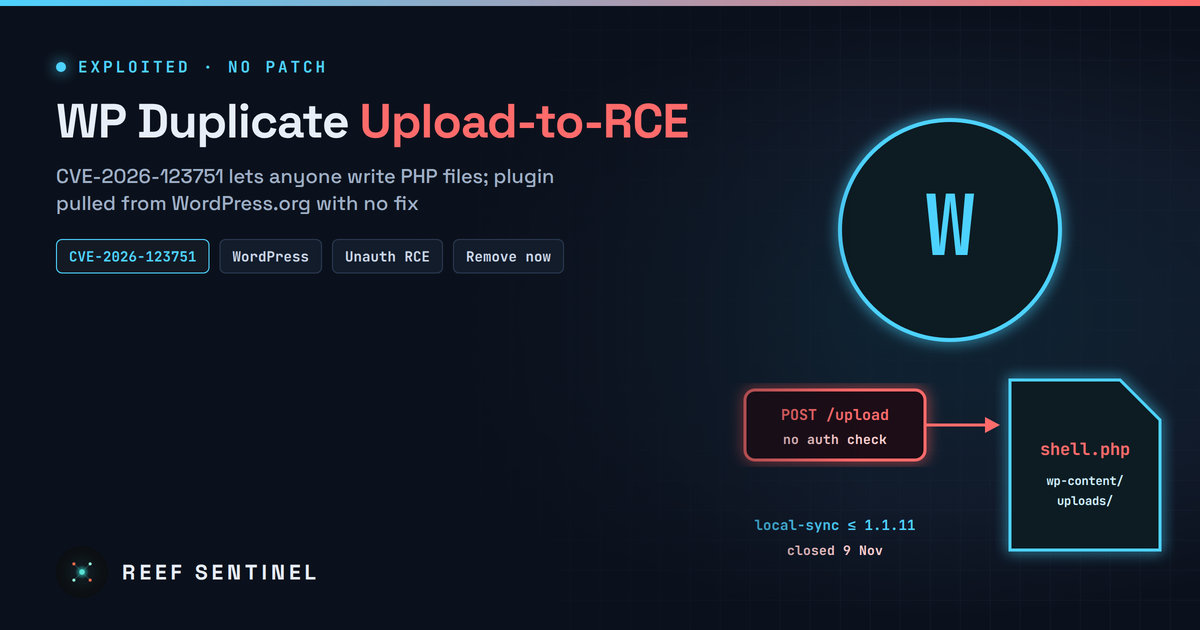
WP Duplicate (formerly LocalSync) up to 1.1.11 lets unauthenticated attackers bypass an authentication check and write arbitrary PHP files, is reported exploited in the wild, has no fix and was closed on WordPress.org on 9 November, so site owners must remove it.
Overview
The WordPress migration and backup plugin WP Duplicate (formerly LocalSync, slug local-sync) contains an unauthenticated arbitrary file upload flaw, CVE-2026-123751, that leads to remote code execution. A vulnerability database lists it as actively exploited in the wild. There is no patched version: everything up to and including 1.1.11 is affected. WordPress.org closed the plugin on 9 November 2026 "pending a full review," so it cannot be downloaded or updated through the official directory.
Severity ratings vary by source. NVD-based data gives CVSS 9.8, one plugin-security vendor reportedly rates it 10.0, and some trackers have not yet recorded exploitation. CISA has not added it to the KEV catalog.
The Vulnerability
The plugin syncs a site between environments. To do that it exposes an endpoint that receives files. According to the advisory, the plugin:
- does not properly verify a request authentication value, so an unauthenticated visitor can pass the check;
- does not validate the path or type of uploaded files.
Together, these let an attacker write any file, including a PHP web shell, anywhere the web server can write. Requesting that file then runs attacker code as the web-server user. From there an attacker can read wp-config.php and the database credentials, create admin users, plant SEO spam or skimmers, or pivot to other sites on shared hosting.
An earlier, related bug, CVE-2026-1499 (versions up to 1.1.8), let a subscriber-level user set an internal key that unauthenticated attackers could then use to bypass authentication. CVE-2026-123751 removes the need for even that low-privileged account.
Timeline
- June 2026: the plugin's last update (version 1.1.11).
- 6 November 2026: the advisory is published. The proof of concept is withheld and the flaw is marked as exploited in the wild.
- 9 November 2026: WordPress.org closes the plugin temporarily, pending review.
- 11 November 2026: the advisory is last updated. Still no fix.
Tradecraft
No campaign details or IOCs have been released, and the proof of concept is being withheld until a fix exists. Unauthenticated WordPress upload bugs are usually exploited the same way:
- automated scanning for the plugin's readme or endpoint path across millions of sites;
- dropping a small PHP web shell or a fake plugin folder;
- creating hidden administrator accounts for persistence;
- injecting spam, redirects or card skimmers, or adding the server to a botnet.
Closed plugins are attractive targets. Site owners get no update notification, and the plugin keeps running quietly on sites that installed it earlier.
Detection
Check whether the plugin is present, using WP-CLI:
wp plugin list --fields=name,status,version | grep -i -E "local-sync|duplicate"Look for recently added PHP files in places where PHP should not appear:
find wp-content/uploads -name "*.php" -newermt "2026-10-01" -ls
find wp-content -name "*.php" -newermt "2026-11-01" -not -path "*/cache/*" -ls
Review administrator accounts and recent sign-ups:
wp user list --role=administrator --fields=ID,user_login,user_email,user_registeredIn web-server logs, look for POST requests to the plugin's paths under /wp-content/plugins/local-sync/ or its AJAX actions from unknown IP addresses, followed by GET requests to newly created .php files.
Recommended Actions
- Deactivate and delete WP Duplicate / LocalSync now. No patch exists and the plugin has been pulled from the directory.
- If it was active, assume compromise until proven otherwise. Scan for web shells, compare core and plugin files against clean copies, and check for rogue admin users and scheduled tasks (
wp cron event list). - Rotate database credentials, WordPress salts and keys (
wp config shuffle-salts) and all administrator passwords. - Use a web application firewall rule or server config to block direct PHP execution in
wp-content/uploads. - Switch to a maintained migration or backup tool, and remove any plugin you do not actively use.
- Hosting providers should scan customer sites for the
local-syncfolder and notify owners.
Analyst Assessment
An unauthenticated file-upload-to-RCE bug with no fix and reported active exploitation is about as serious as plugin flaws get, so we rate this Critical. The install base appears modest. Even so, the plugin's closure means remaining installs will stay vulnerable indefinitely unless owners remove them by hand. The disagreement between trackers on exploitation status should not delay action: removing the plugin costs little, and waiting for confirmation could be expensive.
