NCSC: AI-Powered Ransomware Against UK Critical Infrastructure Is 'Highly Likely' by 2028 — and Old, Tolerated Weaknesses Are the Reason
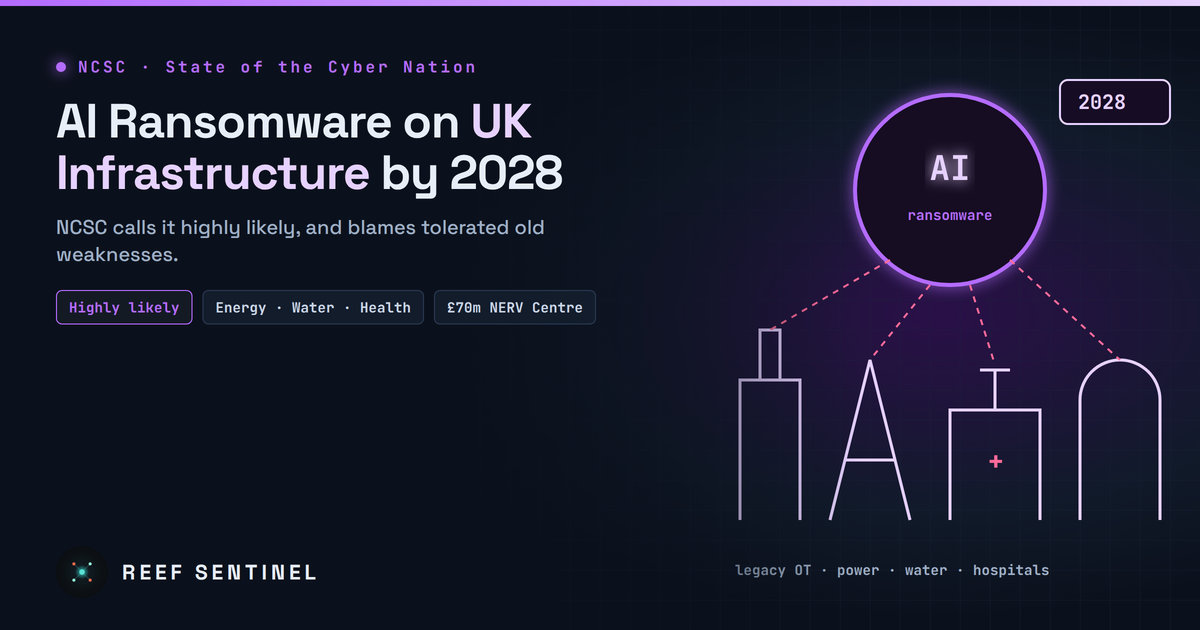
The NCSC's State of the Cyber Nation report says criminals are highly likely to use AI-powered malware in ransomware attacks on UK critical national infrastructure by 2028, because AI lets them exploit long-tolerated legacy weaknesses at unprecedented scale.
What Happened
The UK's National Cyber Security Centre (NCSC) published its annual State of the Cyber Nation report on November 3 in London. The headline assessment: by 2028, it is "highly likely" that financially motivated criminals will use AI-powered malware in ransomware attacks on UK critical national infrastructure, such as power stations, airports and hospitals.
NCSC chief executive Richard Horne, launching the report, warned of "a real prospect of an unprecedented rise" in cyber incidents, driven by AI. His central point was not that AI has invented new attacks. It is that weaknesses organisations have tolerated for years can now be found and exploited at a scale that was not possible before.
What the Report Says About AI
The NCSC's argument, in summary:
- No new attack methods, just faster ones. AI is making known techniques cheaper, faster and more scalable, above all finding and exploiting vulnerabilities that have been left unfixed.
- Legacy technology is the target. Old operational technology in energy, water and transport, kept running long past end of life, is exactly what AI-assisted attackers can sweep for at scale.
- New AI inside the network is a new attack surface. AI tools and agents deployed inside critical networks bring their own risks.
- States will use it routinely. The report expects Russia and China to use AI routinely in cyber operations that serve their geopolitical goals.
This builds on Horne's speech in June, when he said around three-quarters of the 200-plus incidents affecting UK critical infrastructure in the year to May 2026 were believed to be linked to state actors. At the time, the NCSC assessed that by 2028 AI-enabled capabilities would likely be used to exploit known vulnerabilities in legacy technology across critical infrastructure. The November report keeps the 2028 horizon and adds the explicit ransomware warning.
The PHP2Shell Example
The NCSC pointed to the recent PHP2Shell vulnerabilities as a preview. These were critical flaws in the PHP language core, and AI helped discover them. The NCSC said it sent about 110,000 proactive notifications and Early Warning alerts to UK organisations about them. That one AI-assisted discovery could require six-figure notification volumes shows the kind of scale the agency is preparing for.
The Failings Horne Called Out
Horne was blunt about why the risk is so high. He criticised:
- "Tech on the cheap": procurement decided on price alone.
- End-of-life systems kept running and upgrades put off year after year.
- Suppliers that don't build in security by design.
- Access granted for convenience rather than need.
- Missing monitoring, so failures go unnoticed.
His message to boards was to use the tools, standards and frameworks that already exist, and to treat security and resilience as a core requirement rather than an add-on.
What the Government Is Funding
The report comes alongside measures the UK government announced in late October, including:
- £60 million for the first phase of a national Cyber Shield, including a £25 million Challenge Fund for UK AI and cyber innovators.
- £70 million for a National Exposure and Real-Time Vulnerability (NERV) Centre.
- An additional £120 million for the AI Security Institute.
- A new AI Cyber Security Centre of Excellence, run by the NCSC in Manchester.
- £40 million for a National Agentic Security Unit to monitor and respond to uncontrolled AI agents.
- £24 million to strengthen public-sector cyber defences using advanced AI.
For smaller organisations, Cyber Essentials certification is being discounted by 75%. More than 230 businesses have signed a Cyber Resilience Pledge that lets them refer supply-chain SMEs for free certification. The government has also introduced the Cyber Security and Resilience Bill, with a National Cyber Action Plan to follow.
What To Do Now
The report is aimed at the UK, but its advice applies to any organisation running critical or legacy systems:
- Inventory internet-facing legacy systems and assume AI-assisted scanners will find every one of them. Anything end-of-life and exposed should be isolated, replaced or put behind strong access controls.
- Shorten the patch window for edge devices and public-facing software. The gap between disclosure and mass exploitation is shrinking.
- Enforce least privilege for vendor and remote access, and remove standing access that exists only for convenience.
- Monitor what matters: log and alert on OT boundary traffic, remote-access gateways and identity systems.
- Govern internal AI deployments: inventory AI agents and tools, limit their permissions, and log their actions like any other privileged account.
- Build and rehearse ransomware recovery for operational systems, not just IT, including offline backups and manual fallback procedures.
Why It Matters
Government cyber agencies rarely give a date for a specific kind of attack. The NCSC's "highly likely by 2028" is a formal intelligence assessment, not a vendor prediction, and it puts AI-driven ransomware against hospitals and utilities on a two-year timeline. The diagnosis matters more than the forecast: AI is not the root cause. It accelerates attacks on the unpatched, end-of-life and over-permissioned systems that organisations have chosen to live with. Fixing those was already overdue. The NCSC is saying the time to do it is running out.