Control Web Panel Flaws Let Attackers Bypass Login and Run Commands as Root — CVE-2026-104080 Fixed Only in CWP 1.29
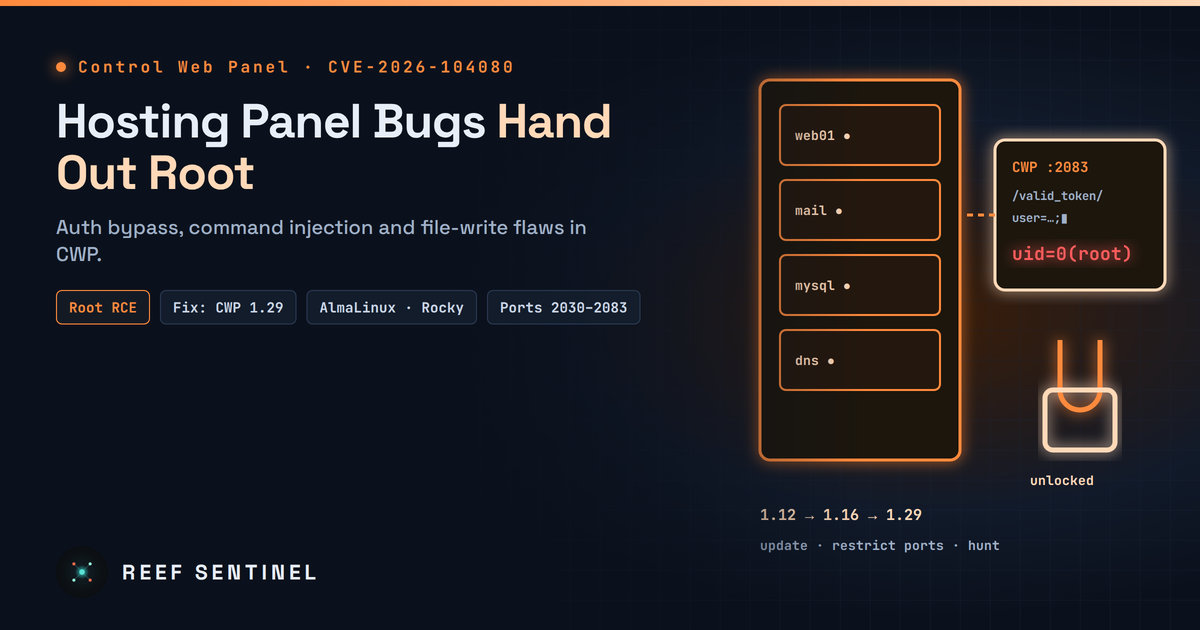
A batch of newly published Control Web Panel CVEs covers an authentication bypass, path traversal, file write and several command injections, including an unauthenticated root command injection (CVE-2026-104080) fixed only in CWP 1.29, released October 31.
What Happened
On November 2, security researchers published a batch of CVEs for Control Web Panel (CWP), the free Linux hosting control panel formerly called CentOS Web Panel. CWP is widely used on low-cost VPS and dedicated servers running AlmaLinux, Rocky Linux and other Enterprise Linux distributions. The bugs include:
- an authentication bypass in the user panel login flow,
- several OS command injection flaws, some of which run commands as root,
- a path traversal that leads to PHP file inclusion,
- an arbitrary file write in the PHP settings editor.
The most serious, CVE-2026-104080, lets an unauthenticated attacker run commands as root through an internal API route. It was only fixed in CWP 1.29, released on October 31, two days before the CVE went public. Many servers will still be on older builds.
Technical Details
According to the CVE records published by the researchers:
- CVE-2026-73696 (fixed in 1.12): an "execution after redirect" flaw in the user panel authentication (
CWPUserIndex). The code sent aLocation:redirect to unauthenticated visitors but did not stop running the script afterward. Requests could continue into user panel code that should require a login. - CVE-2026-77876 (fixed in 1.16): command injection in the
protected_directoryuser panel module. A POST parameter in the delete action was passed unescaped intoshell_exec. - CVE-2026-73697 (fixed in 1.16): arbitrary file write and command injection in the
phpini_editormodule. Its update action could write attacker-controlled content to any path. - CVE-2026-73695 (fixed in 1.16): path traversal in
services/users/index.php. An unsanitized module name was concatenated into anincludepath, leading to local file inclusion and PHP code execution. - CVE-2026-77880 (fixed in 1.16): command injection in the loopback API password-change route
/newpass/, which runs as root. - CVE-2026-104080 (fixed in 1.29): command injection in the loopback API
/valid_token/route. The record says an unauthenticated attacker can inject shell metacharacters through theuserparameter and run commands as root.
Taken together, the flaws follow one pattern: user panel modules and internal API routes pass request data into shell commands and file paths without escaping it. They also assume a login check has stopped execution when it has not. The researchers describe the issue as pre-auth module dispatch, meaning code paths reachable before authentication completes.
Severity scores vary. The researchers' own CVSS 3.1 scores are 7.8 to 8.8. Some third-party trackers list CVE-2026-77876 as 9.8 critical, treating it as fully unauthenticated, while the CNA vector for CVE-2026-73696 assumes low privileges. Read the scores as a range. A chain of an auth bypass plus a root command injection on a hosting panel is a full server takeover.
Exploitation Status
As of November 3, none of these CVEs is in CISA's KEV catalog, and there are no public reports of exploitation in the wild. That may not last. CWP has a history here: CVE-2022-44877, a pre-auth command injection in the CWP login page, was exploited in the wild soon after a public proof of concept appeared, and CISA added it to KEV. Hosting panels are a favourite target because one compromise gives access to every site, mailbox and database on the server.
Who Is Affected
- Any CWP installation older than 1.29 is exposed to CVE-2026-104080. Installations older than 1.16 are exposed to most of the others.
- Shared and reseller hosting servers are at the highest risk, because many users can reach the user panel.
- Servers that expose the CWP user and admin panels directly to the internet. By default CWP listens on ports 2082/2083 (user panel) and 2030/2031 (admin panel).
What To Do Now
- Update CWP to 1.29 or later and confirm the version in the admin panel. Through the CLI:
sh /scripts/update_cwpThen confirm the running version on the admin panel dashboard.
- Restrict panel ports to trusted IPs with CSF, which CWP ships with:
# /etc/csf/csf.conf: remove 2030,2031,2082,2083 from TCP_IN, then allow your admin IP only
csf -a 203.0.113[.]10 "CWP admin"
csf -r- Check for signs of compromise on servers that were exposed while running old builds:
last -n 50
find /usr/local/cwpsrv /home -name "*.php" -newer /etc/passwd -mtime -14 2>/dev/null | head -50
grep -E "valid_token|newpass|protected_directory|phpini_editor" /usr/local/cwpsrv/logs/access_log* | tail -100
crontab -l; ls -la /etc/cron.d/
Look for unknown cron jobs, new root SSH keys in /root/.ssh/authorized_keys, and PHP files in web roots that you did not deploy.
- Rotate credentials (root, panel, database and mail) on any server where you find suspicious activity, and treat it as fully compromised.
Why It Matters
CWP's appeal is that it is free and does almost everything a commercial panel does. The cost is a large, root-privileged PHP codebase that faces the internet on thousands of small hosting servers. This batch is a reminder that the hosting control panel is often the weakest part of a server: it has root, it is reachable from the web, and it is easy to forget to update. If you run CWP, the fix has been available since October 31.