Chrome 157 Fixes 213 Security Bugs, Including Seven Critical Flaws in Dawn, ANGLE, WebGL and Core
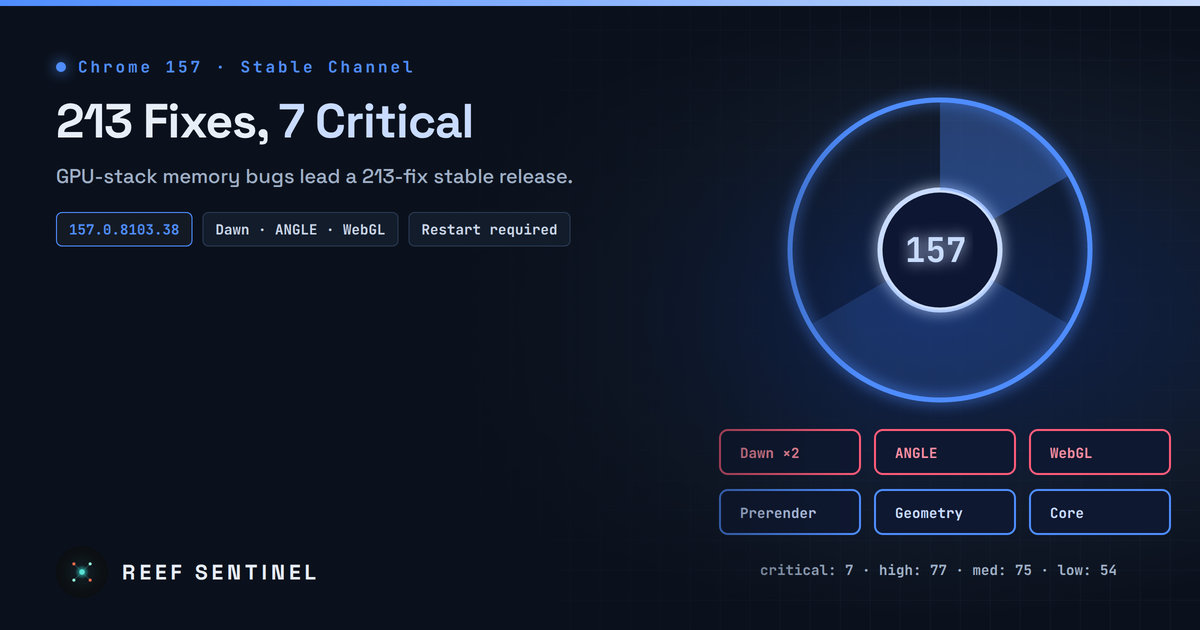
Google's Chrome 157 stable release (157.0.8103.38/.39) fixes 213 security vulnerabilities, seven of them critical memory-safety bugs concentrated in the GPU stack, and the fixes only take effect after a browser restart.
What Happened
Google moved Chrome 157 to the stable channel on November 3. It ships as 157.0.8103.38 for Linux and 157.0.8103.38/.39 for Windows and Mac. The release fixes 213 security vulnerabilities: 7 rated Critical, 77 High, 75 Medium and 54 Low.
Google's release notes do not say any of these bugs are being exploited in the wild. Even so, seven critical memory-safety bugs in one release is enough to treat this update as urgent rather than routine.
Machine-assisted research shows up again in the credits. Two of the seven critical bugs were reported by Xinyang Ge of Anthropic, and the release notes credit "Xinyang Ge (Anthropic), assisted by Claude" on 14 entries across the list.
Technical Details
The seven critical issues are:
- CVE-2026-121156: buffer overflow in Dawn, Chrome's WebGPU implementation. Reported by Zhenpeng (Leo) Lin of depthfirst on September 30. Bounty: $10,000.
- CVE-2026-121229: memory corruption in ANGLE, the graphics translation layer. Reported by @mfx on September 17. Bounty: $1,000.
- CVE-2026-121246: use-after-free in WebGL. Found internally by Google.
- CVE-2026-121035: use-after-free in Prerender. Reported by Xinyang Ge (Anthropic), assisted by Claude.
- CVE-2026-121247: buffer overflow in Dawn. Found internally by Google.
- CVE-2026-121203: use-after-free in Geometry. Reported by Xinyang Ge.
- CVE-2026-121126: use-after-free in Core. Reported by Wenbin Liu.
Four of the seven are in the GPU stack: Dawn, ANGLE and WebGL. These components take complex, attacker-supplied input from any web page that draws graphics, and they sit close to native drivers. A memory bug there is a common first step in a browser exploit chain.
The High-severity list includes about ten type-confusion bugs in V8, the JavaScript engine, along with authorization and UI-spoofing issues in features such as BackgroundFetch and PageInfo. As usual, Google keeps bug details restricted until most users have updated, so no exploitation details are public.
Why the GPU Stack Keeps Showing Up
WebGPU and WebGL give web pages direct, high-performance access to graphics hardware. To make that safe, Chrome translates and validates every command before it reaches the driver. That translation code is large, written in C++, and processes data fully controlled by the web page. Attackers like it for the same reasons fuzzers do: a lot of complex parsing, reachable from any site, with no click needed beyond visiting the page.
Who Is Affected
- Anyone running Chrome before 157.0.8103.38 on Windows, macOS or Linux.
- Chromium-based browsers (Edge, Brave, Opera, Vivaldi and others). They inherit most of these fixes but ship them on their own schedules. Check each vendor's release.
- Embedded Chromium and V8: Electron apps, kiosk builds, headless automation fleets and server-side V8 bindings. These often lag weeks or months behind desktop Chrome.
Patch Status
The fixed builds are rolling out "over the coming days/weeks," which is Google's standard staged rollout. Many machines will not have the update yet. Chrome downloads updates in the background, but the fix only takes effect after a restart. Browsers that stay open for weeks on laptops and shared workstations are the usual gap.
What To Do Now
- Force the update now instead of waiting for the staged rollout: open
chrome://settings/help, let Chrome fetch 157, then relaunch.
- Check versions across your fleet. On Linux:
google-chrome --versionOn Windows (PowerShell):
(Get-Item "C:\Program Files\Google\Chrome\Application\chrome.exe").VersionInfo.ProductVersionOn macOS:
/Applications/Google\ Chrome.app/Contents/MacOS/Google\ Chrome --version- Enforce a relaunch deadline with policy. The
RelaunchNotificationandRelaunchNotificationPeriodenterprise policies make users restart within a set window. In managed environments, useTargetVersionPrefixonly for testing, never to keep machines on old builds for long.
- Track downstream browsers. Watch for Edge, Brave and Opera releases based on Chromium 157, and update Electron-based apps when their vendors rebuild.
- Inventory embedded runtimes. If you ship or run software that bundles Chromium or V8, open a ticket for the 157 rebase now. Those builds are where browser bugs survive longest.
Why It Matters
A release with 213 security fixes is large by any measure. The credits show part of the reason: AI-assisted bug hunting, by outside researchers and by Google's own teams, is now finding memory-safety flaws in large numbers. Every one of those bugs existed before it was found, so the higher count does not mean Chrome got less safe. It means more of its existing debt is being paid down at once. Defenders benefit from the fixes. The cost is a steady stream of large, urgent browser updates that only help once the browser restarts. Organizations that still treat browser updates as optional desktop maintenance are carrying a growing pile of known critical bugs on their most exposed software.